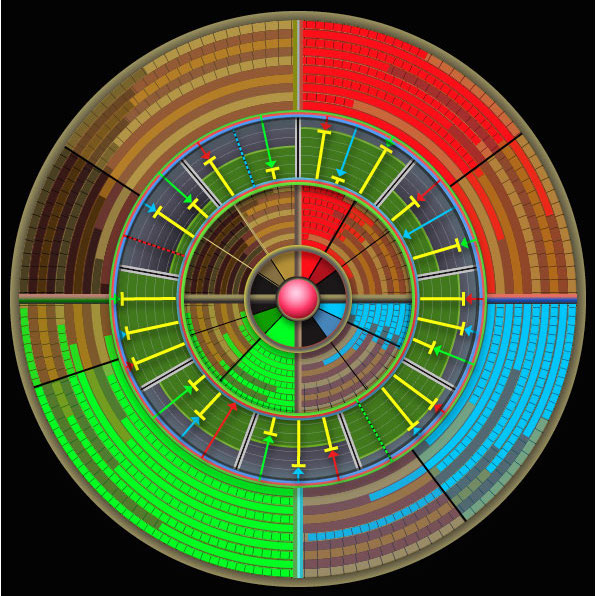
 This uses a single Text widget.
- This is a list item. Its indent value is negative.
- And another item
- And yet one more
This example shows the text wrap I need, except for the reverse margin of the list items.
The image is inside a text widget, aligned left.
Inserting images into the text itself is recommended in the Elementor documentation and elsewhere. If this is not recommended, then there needs to be an easy responsive way to wrap text around image widgets.
I’ve tried to solve this in a number of ways and found no responsive solution that provides anything close to the straightforward result that would work if the list margins behaved correctly.
I’ve also looked online for ways to do this and none of them work.
I think there is a bug that reverses the margin of list tags when wrapping around an image. Generally, the margins and text wrap work quite well. It’s only lists that reverse the margin to a negative instead of positive value. It is possible that the indent value is set incorrectly in the CSS of the Hello Theme or somewhere?
- This is a list item. Its indent value is positive.
- And another item
- And yet one more